Keeping your computer system running smoothly and efficiently is extremely important. You can accomplish this with the help of O&O Defrag 30 ProA sophisticated program.
Streamline your hard drive or solid-state drive (SSD), avoid fragmentation, and increase your system speed with the help of this software’s many capabilities.
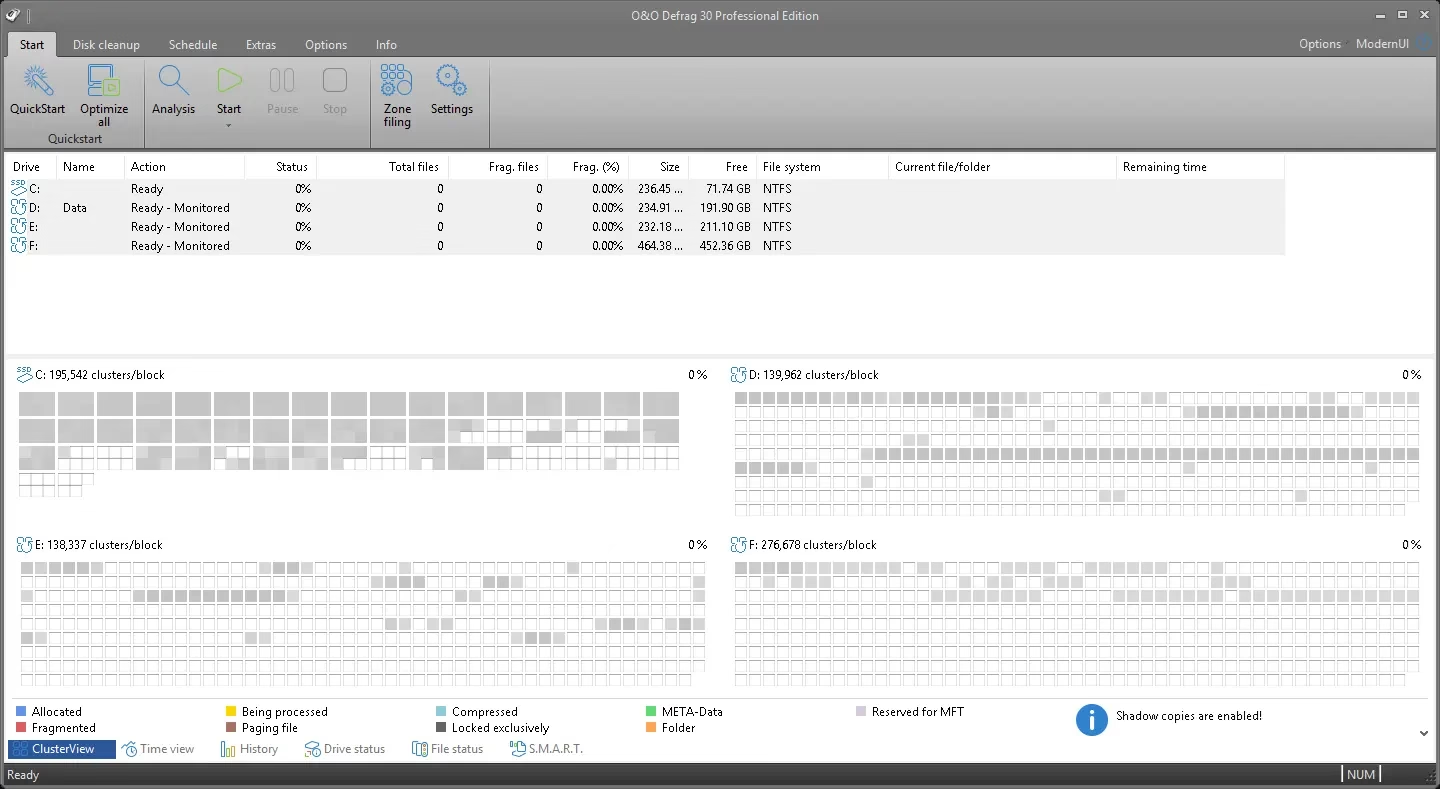
Why choose O&O Defrag 30 Pro?
O&O Software’s latest product, O&O Defrag 30 Professional Edition, is an effective program for optimizing and maintaining the efficiency of your computer.
It is an all-inclusive solution for maintaining and improving the performance of your computer; This is not just a defrag program.
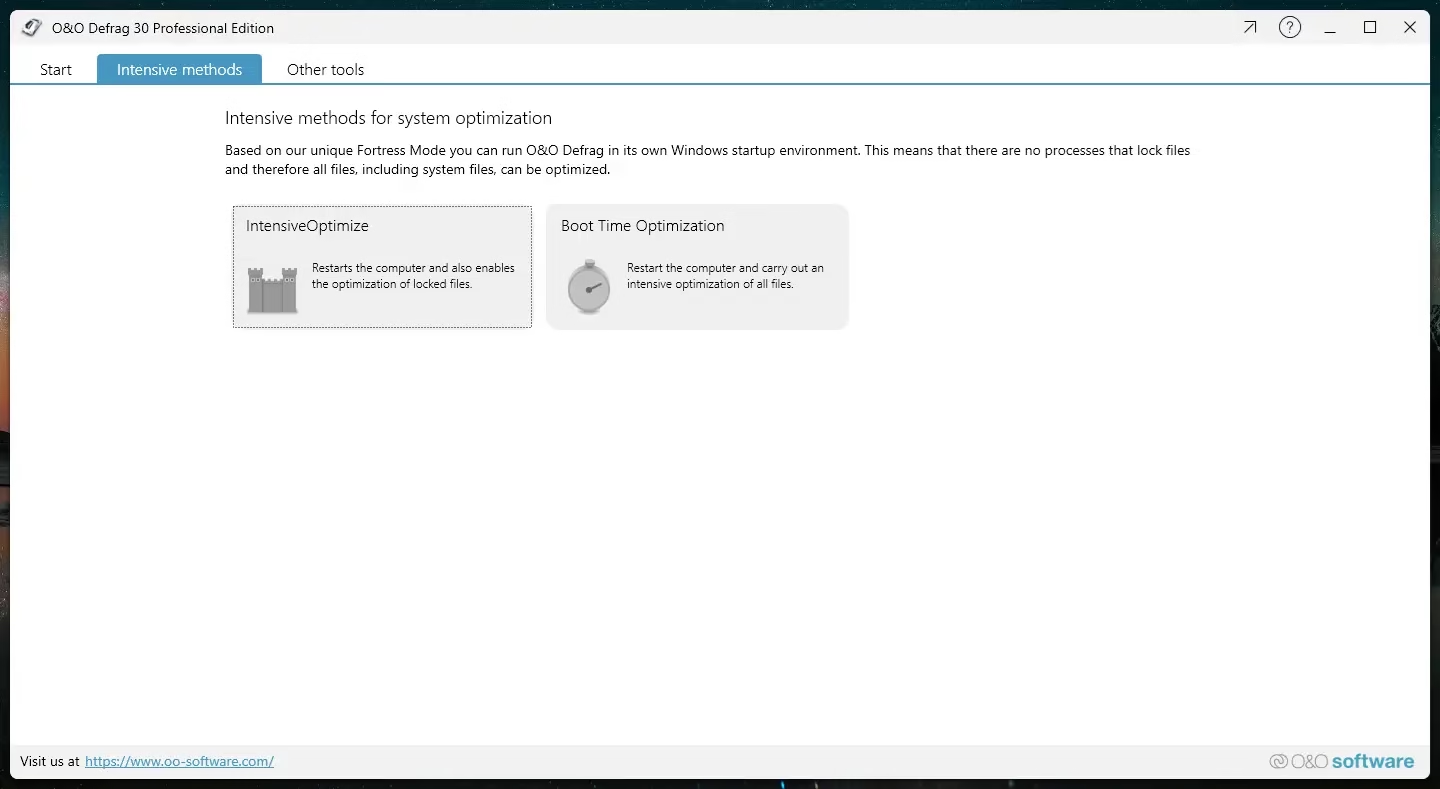
Feature rich and user friendly
The feature set of this O&O software is extensive.
Regardless of your storage type, you can expect maximum performance due to its advanced hard drive and SSD algorithms. Both advanced users and beginners will find the interface intuitive and simple to use.
Advanced defragmentation algorithms:
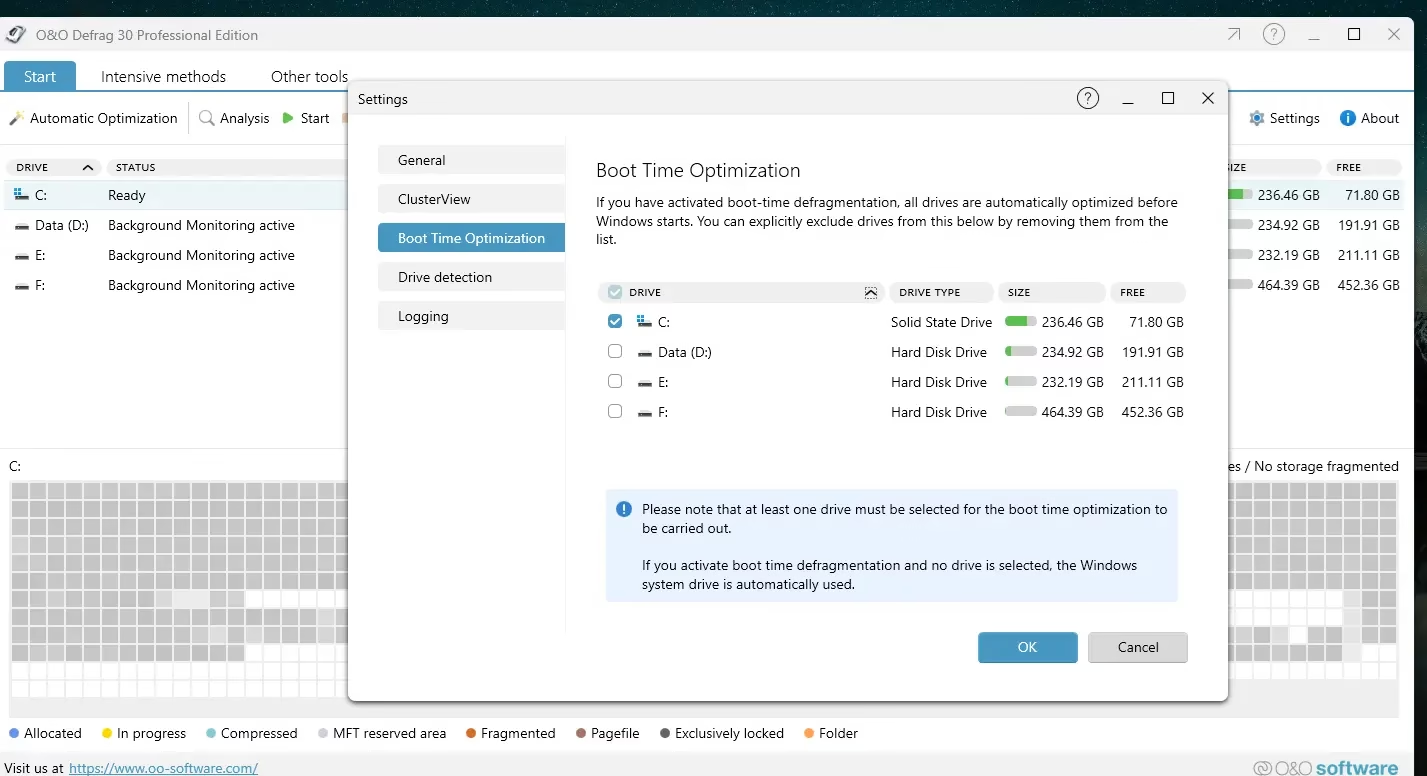
Defrag uses 30 advanced technologies to optimize your hard disk. Your computer will function more efficiently and smoothly after using it to defragment files, directories or even the entire hard drive.
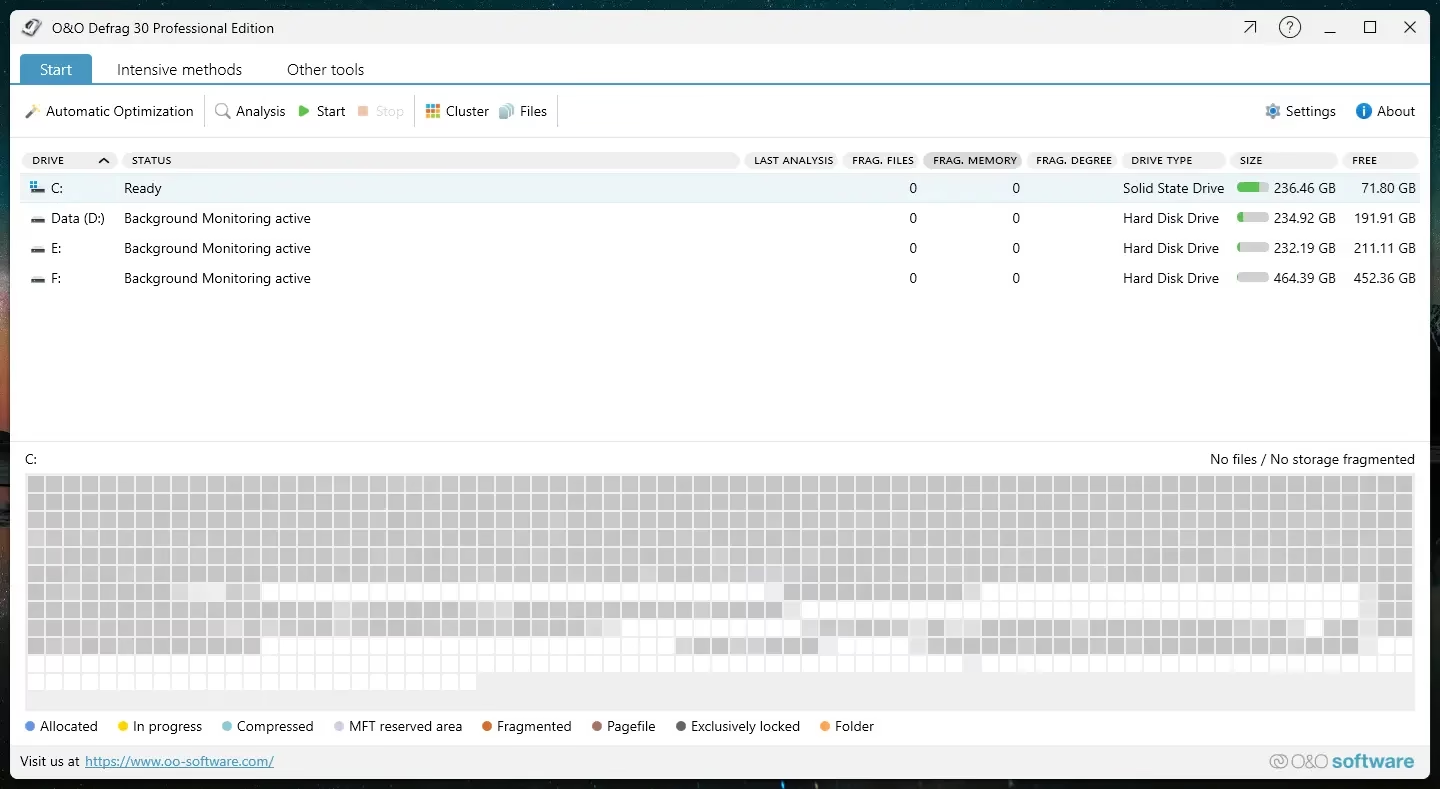
Solid State Drive (SSD) Optimization
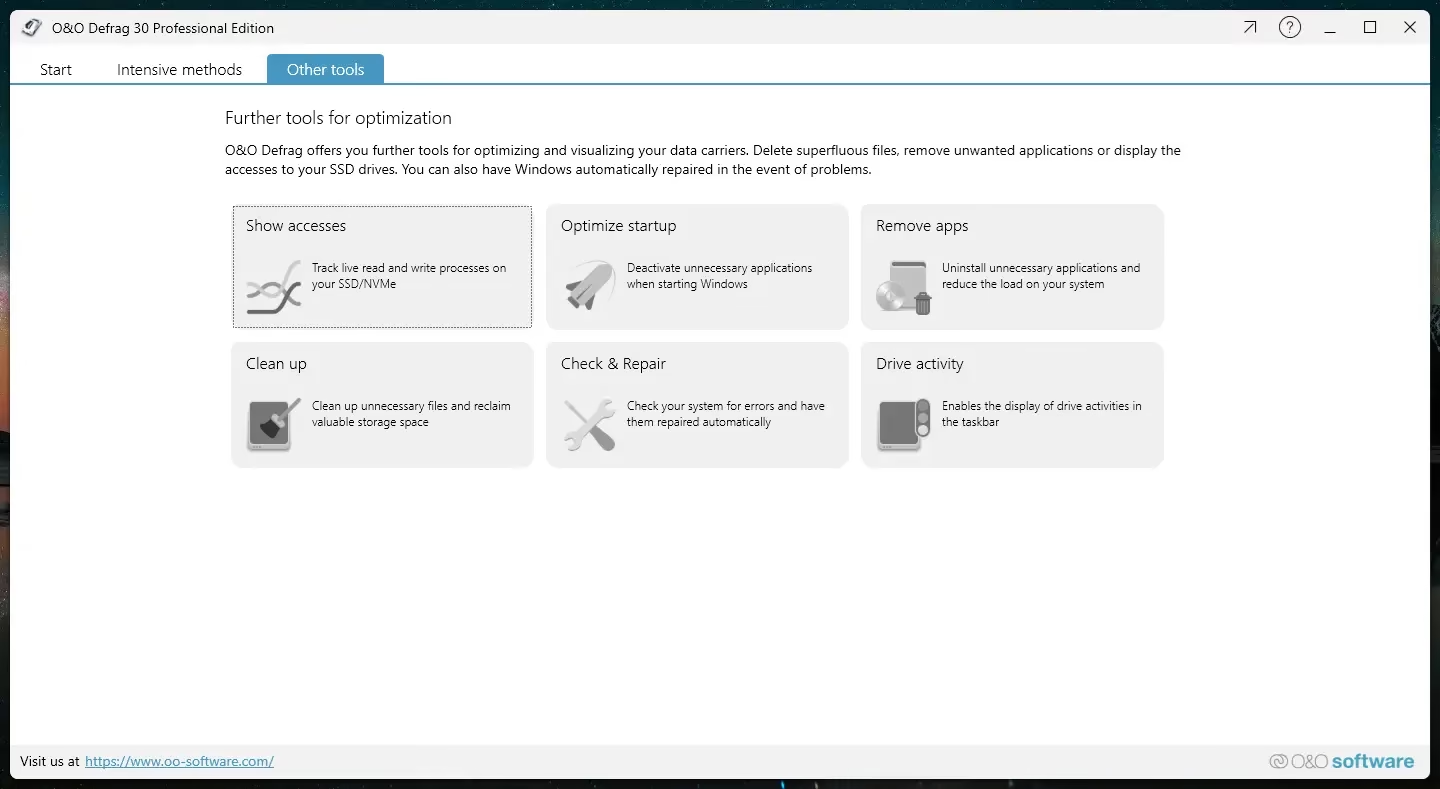
Optimize your solid-state drive (ssd) with the SSD-specific functionality of O&O Defrag 30.
This program has a special mode for optimizing solid-state drives (SSDs), which are different from regular hard drives and require a different strategy to keep them running well and longer.
Automatic Defragmentation:
Schedules for Automatic defragmentation Can be configured. This means that your hard drive will automatically undergo regular optimization.
Disk Cleanup:
In addition to defragmenting, Defrag 30 Pro has tools to clean up your disk. It can clean up your computer’s storage by erasing temporary files, browser cache, and other unused data.
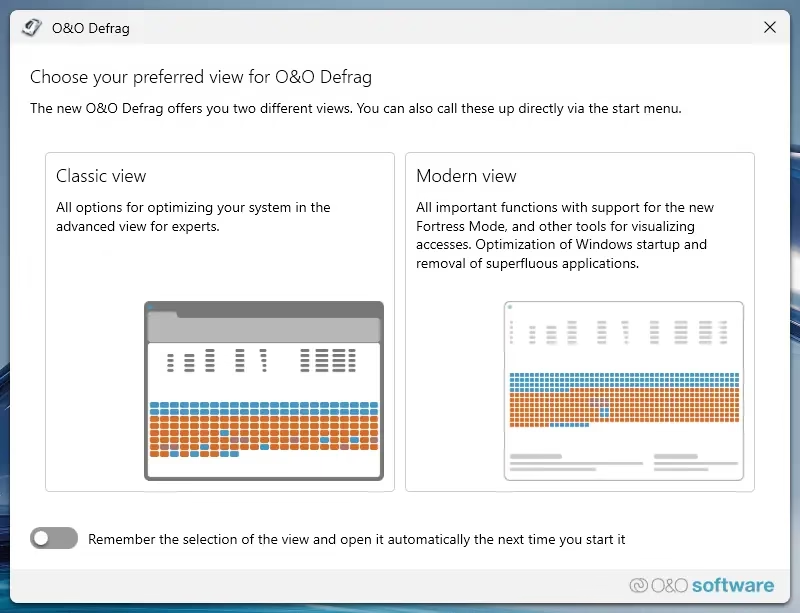
two interface styles: :
For a more customized and intuitive experience, O&O Defrag 30 offers users the option to switch between modern and classic interface.
O&O Defrag30 Pro Giveaway:
go to Gift Page.
Note: The free page is in German—use Google Translate.
After entering your email ID, click on the “Request Free License” button.
You will receive a confirmation email regarding your order. Once you receive the confirmation email from O&O Software, please click on the confirmation link.
O&O Software will send you another email. Scrolling through the email, you’ll find a license key and activation instructions.

O&O Defrag Pro (V30.5) installation (English language) is available for download at the following link:
https://www.oo-software.com/en/download/
Run the installer (skip update checking) and complete the installation process.
Start the program by selecting Classic or Modern view. When the registration window or wizard opens, select the “Enter your registration code” option and then click the “Next” button.
Next, enter your name, company and serial number in the registration details window. Click the Next button to continue. On the following screen, enter your email address to register for technical support. Finally, click the “Finish” button and restart the software.

conclusion
In conclusion, the Professional Edition of O&O Defrag 30 is much more than a disk defragmenter.
It is an all-inclusive answer to the problem of maintaining and improving the performance of your computer.
If you want to increase your speed windows PC, don’t go beyond O&O Defrag 30 Professional Edition. It has all the functions you need, is easy to use, and works like magic.
Learn more from Techno360
Subscribe to get the latest posts delivered to your email.

![Wise Registry Cleaner Pro v11 Free for 1 Year [Worth $29.95] | Free Download](https://freedownload.co.in/wp-content/uploads/2024/06/Wise-Registry-Cleaner-Pro-Box.png?v=1719554291)