In this age of premium digital privacy, Windows telemetry and data tracking has become more invasive. Do you have enough of “calling your OS home” and sharing your usage habits? If yes, then we have an amazing deal for you.
Get a free one year license for Spybot Anti-Beacon Home Edition Thanks to a unique partnership between Safer-Networking and CHIP.
Learn more about Spybot Anti-Beacon and how to get a free license to protect your privacy now in this blog post.
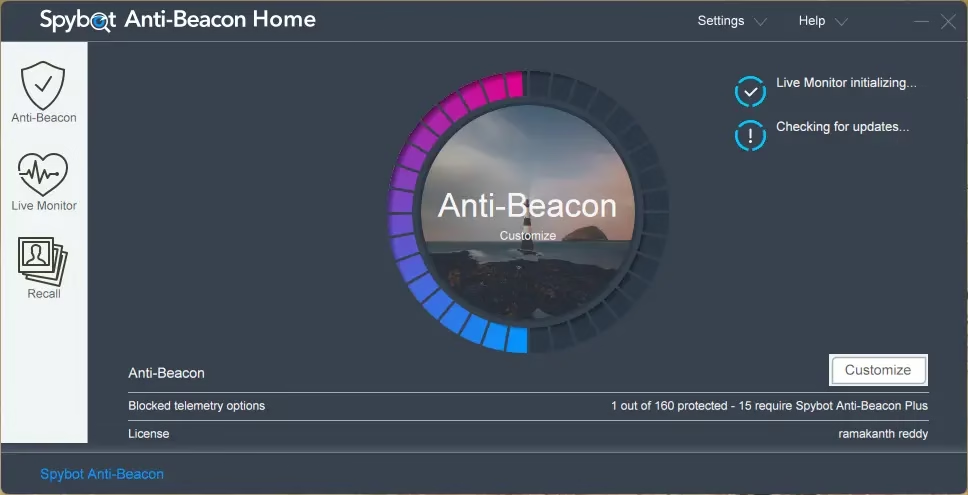
🕵️ What is Spybot Anti-Beacon Home?
From the same team that brought you the world-famous spybot-search-and-destroy, Spybot Anti-Beacon, a confidentiality Solutions tailored to your needs. The primary goal of this tool is to disable the tracking (telemetry) functions integrated into Windows and other popular software.
Despite Windows’ privacy settings, a lot of advanced tracking scripts and scheduled operations run invisibly in the background. By disabling these invasive components with a “one-click” solution, Anti-Beacon guarantees that your data will remain on your machine.
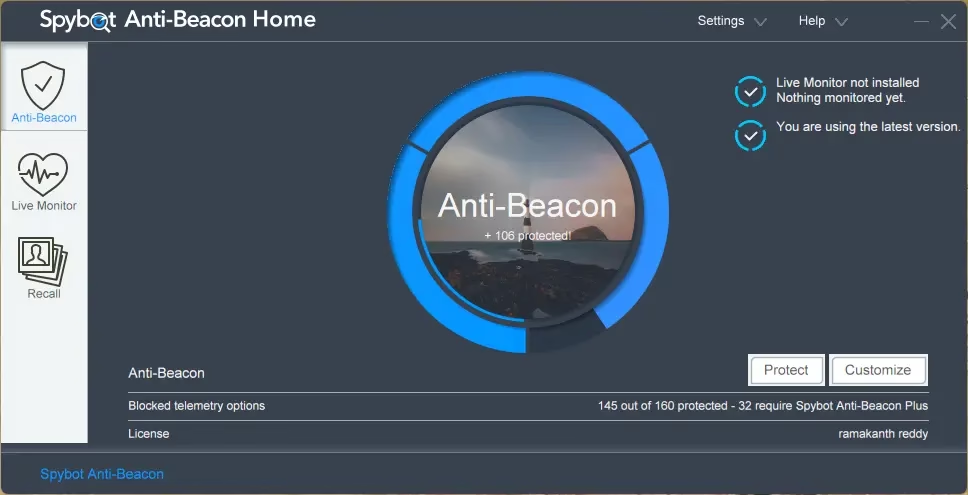
❤Key Features:
- is blocking telemetry: Turns off Windows, Office, and browser tracking.
- Clean Design: One click of the “Protect” button provides instant privacy protection.
- Personalization: Pick and choose which tracking services to disable.
- Scheduled Tasks: The app blocks invisible processes that update remote servers at regular intervals.
- The app works smoothly and does not cause any lag on your PC.
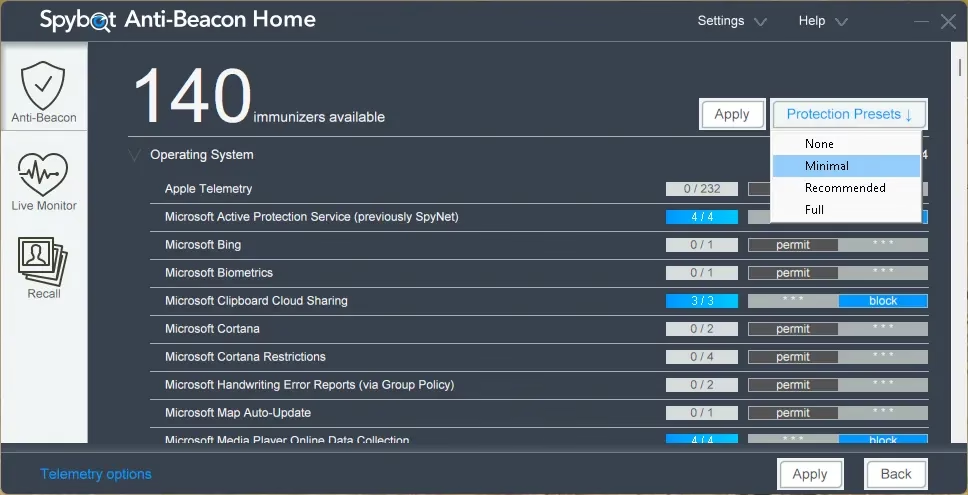
How to get your free 1-year license code?
Getting your free license is simple. To secure your copy of Spybot Anti-Beacon Home, please follow these steps:

- Visit the official gift page: go to Secure-Networking Promotion Page.
- Fill the form: The page is in German (use Google Translate), but it’s easy to navigate. Enter your first name, last name and a valid email address. Also, check the boxes to agree to the terms and newsletter, then click “Request a promotional license” button.
- Confirm your email: A confirmation link should appear in your inbox. Spybot will email you your license key after you click the link, and you can also view it on their site.
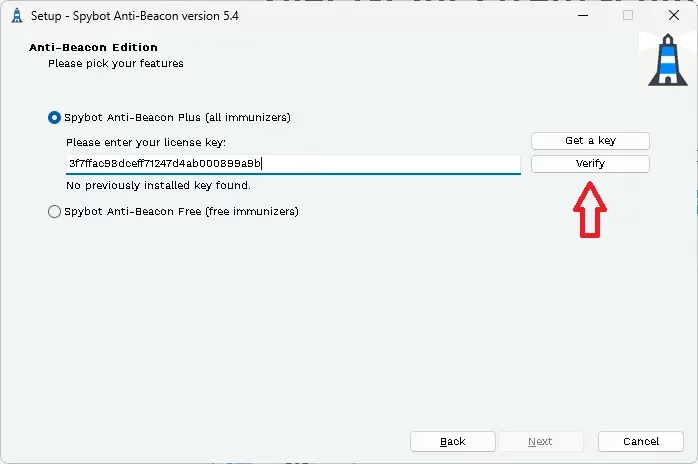
- Download and activate: Launch the installer you Downloaded from official website. When you get an activation screen like the one below, input your license key and press “Verify.” Click “Next” to complete the installation of the Home edition and get access to all its features for a full year after the verification is finished.
Comment: Get your keys as soon as possible as this promotion is only available for a short period of time!
Why use Spybot Anti-Beacon at default settings?
For the most part, people think that just changing the “privacy” setting of windows The settings menu is sufficient. However, system files and the registry inadvertently encode a large number of “phone-home” functions.
Even people with no technical knowledge can use Spybot Anti-Beacon as it simplifies the often difficult process of modifying registries and stopping services. Using this tool, you can reduce your digital footprint and save system resources and bandwidth.
conclusion
Protect yourself from OS spying! anyone care windowS Spybot anti-beacon home should be in data collection. Enjoy excellent privacy protection with this complimentary license for one year.
Click here to take immediate action to protect your digital perimeter giveaway link!
Connected
Learn more from Techno360
Subscribe to get the latest posts delivered to your email.

![Wise Registry Cleaner Pro v11 Free for 1 Year [Worth $29.95] | Free Download](https://freedownload.co.in/wp-content/uploads/2024/06/Wise-Registry-Cleaner-Pro-Box.png?v=1719554291)